Browse documentation
Use Open Banking demo connection
What is Open Banking?
Open Banking is a regulated way to let a service read your bank account data through an API, with your consent. You approve the access on your bank’s own login page, never inside Invunion, and the consent can expire or be revoked.
Invunion connects to banks this way. It requests the transactions of the previous 90 days, then syncs newer ones. The formal terms (PSD2, SCA, AISP, ASPSP) are in the glossary.
Connect the test bank
In a sandbox Entity, the bank list includes test banks. UniCredit follows the same steps as a real bank, with invented transactions and no real account.
-
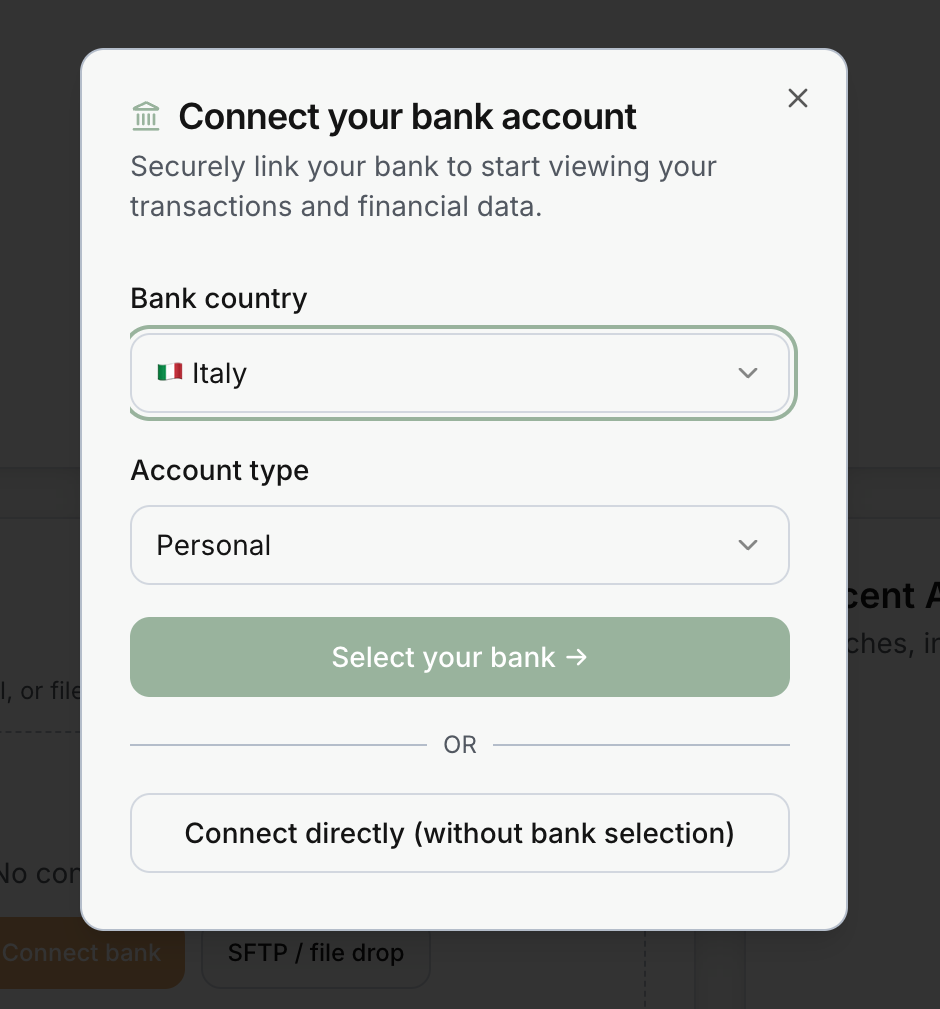
Choose Italy and Personal. Then select Select your bank.
-
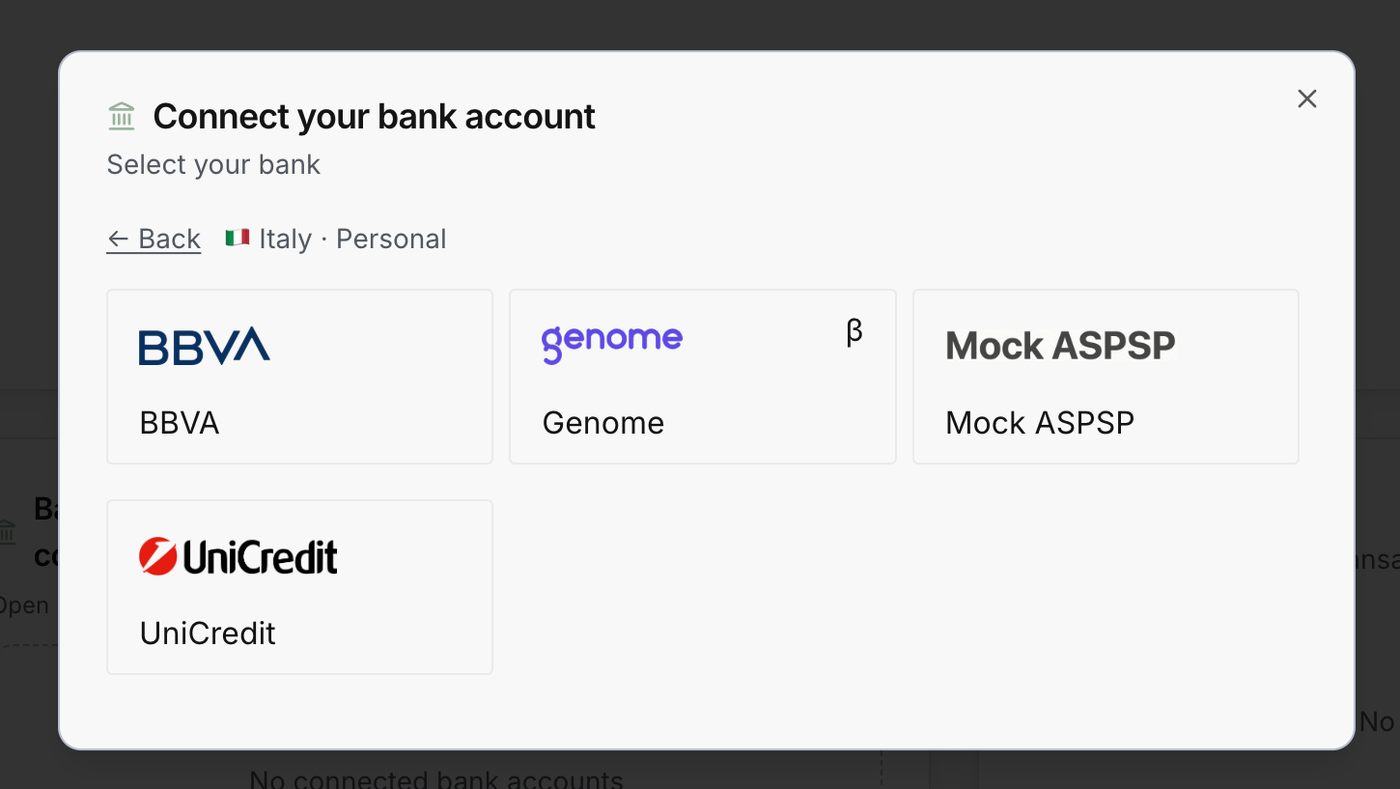
Choose UniCredit.
-
Continue authentication.
-
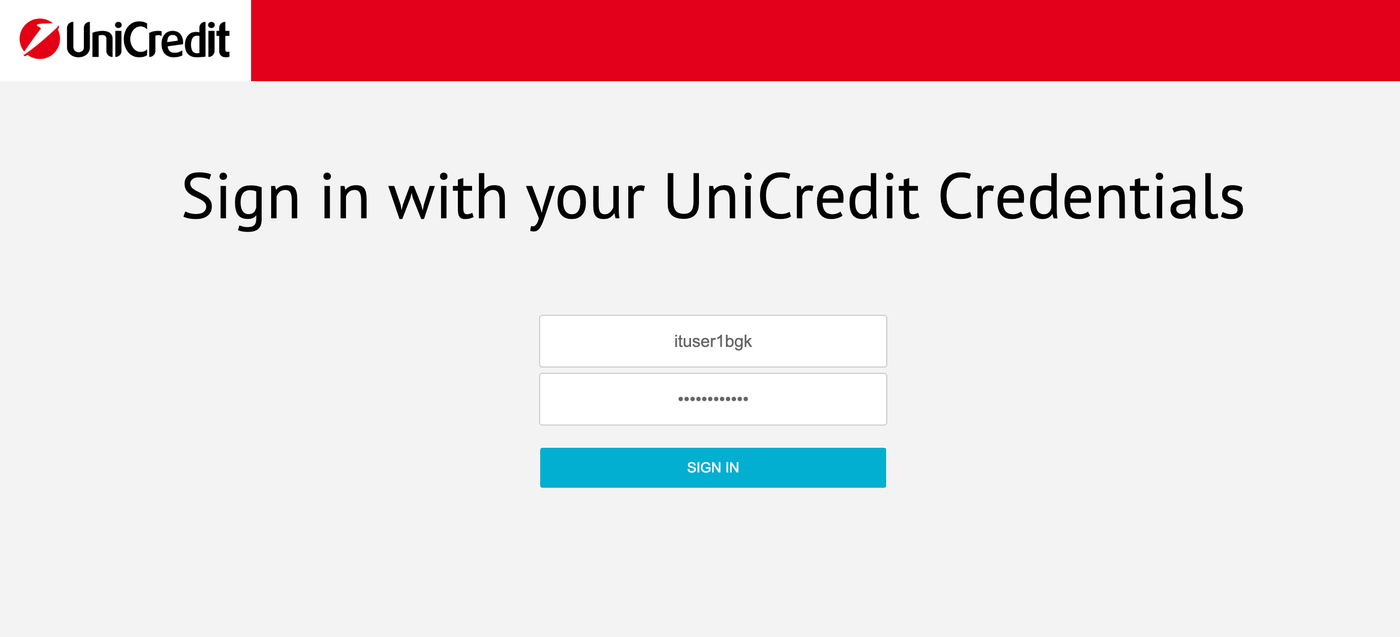
Sign in with the test credentials:
- username:
ituser1bgk - password:
pwituser1bgk
- username:
-
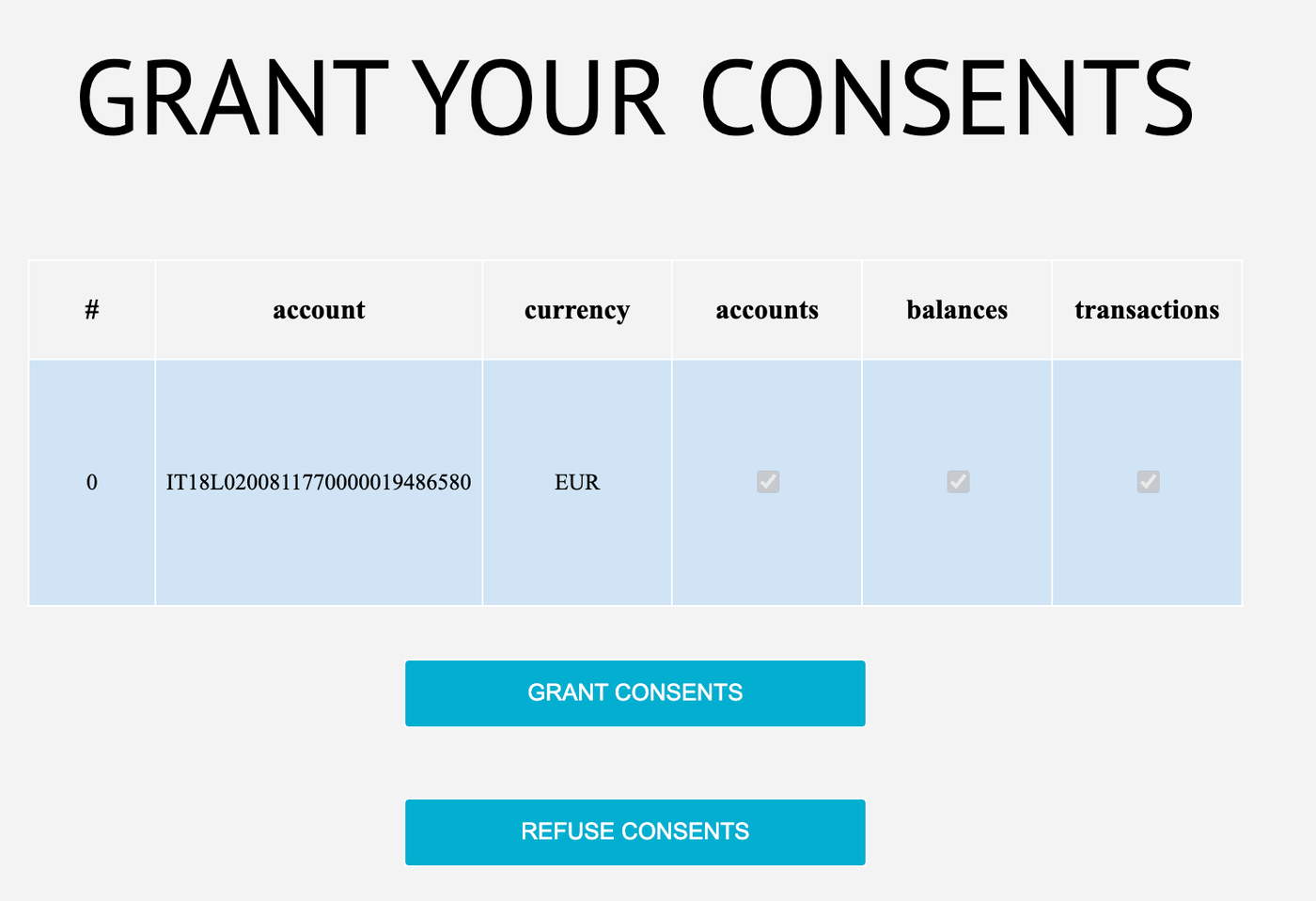
Grant consents.
-
Proceed.
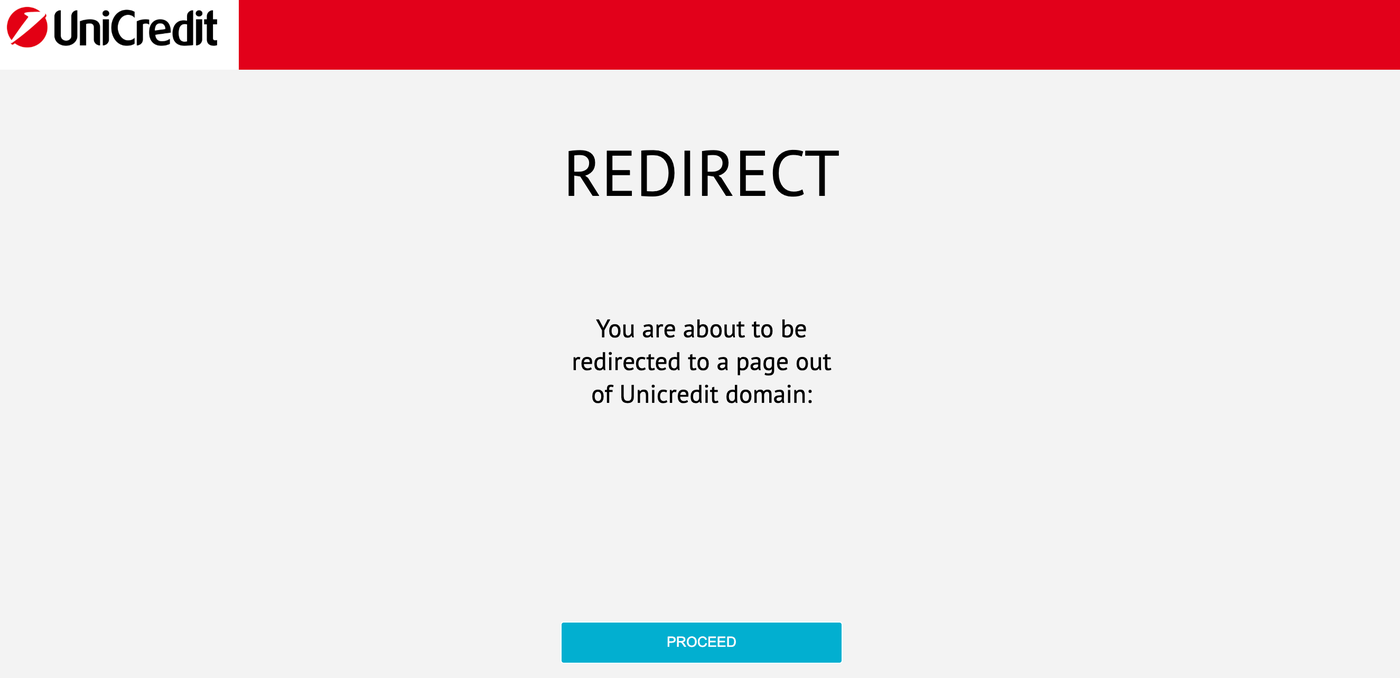
The transactions are now imported. You can see them on the dashboard or in the Transactions object.
To try another bank through Open Banking, use the list of sandbox credentials.
Import matching invoices
Now you need to upload invoices. We created an import file that fits the transactions you just loaded: download the matching invoices file.
- Go to Invoices.
- Select Import Invoices.
- Drag and drop the file.
- Select Import.
- Open the Match inbox.
This is for demo purposes only, to show how the interface reacts.
Updated · View as Markdown